How to Move a Home Office Without Losing a Day of Work



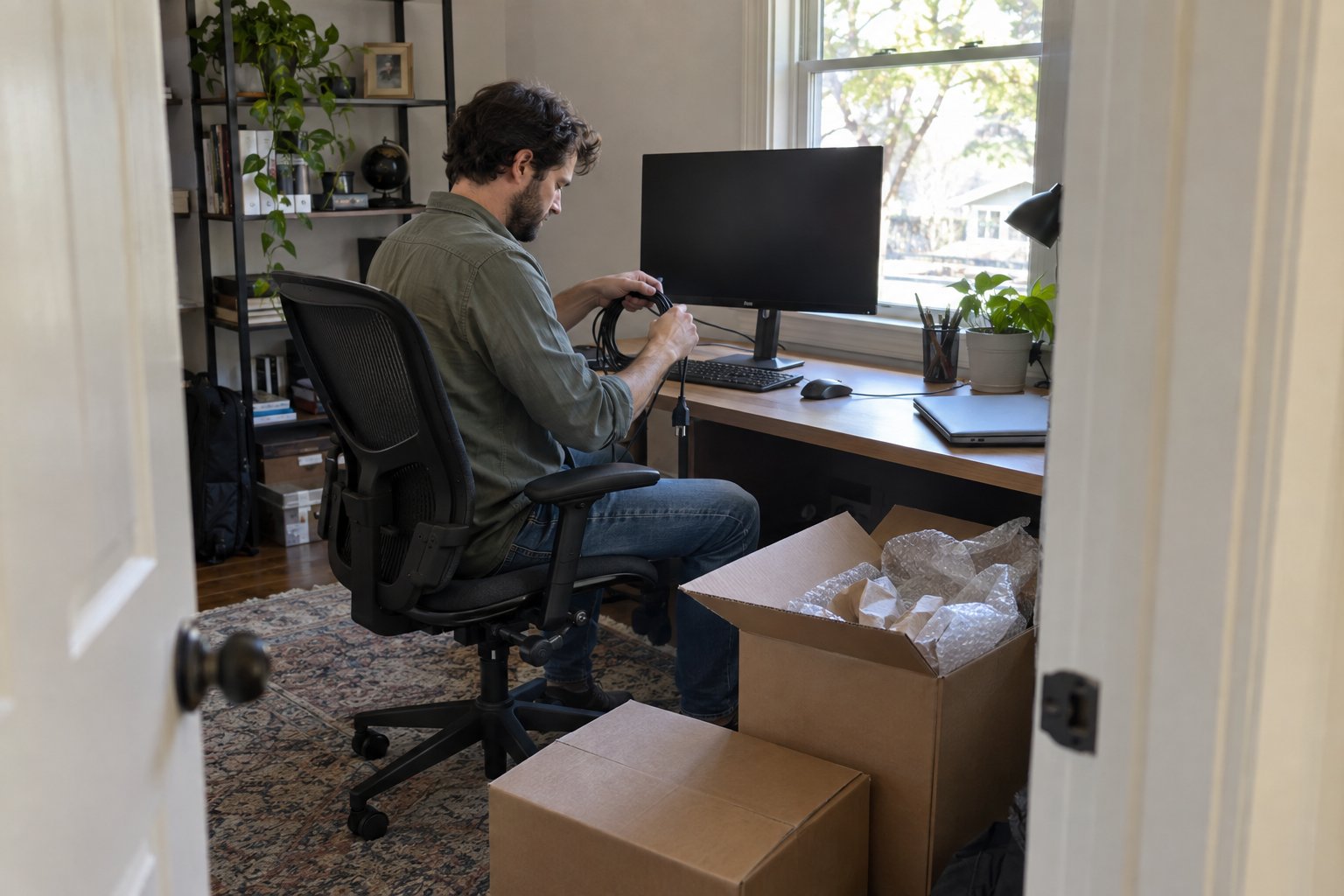
Moving a home office means protecting two things at once: your equipment and your income. Unlike a bedroom or kitchen, a home office holds gear that is expensive to replace, fussy to reconnect, and often tied to client deadlines that do not pause for moving day. With the right order of operations, most people can pack down a full home office in an afternoon and be back online within a few hours of arriving at the new place.
Here is how to plan the move so your workday loss is measured in hours, not days.
What Should You Do Before Moving Day?
Before anything gets unplugged, back up your data and photograph how your setup is wired. This single step prevents most of the post-move headaches people run into with home offices, from missing cables to forgotten monitor arm settings.
Start with a cloud or external drive backup of anything not already synced. Then take a few photos of the back of your computer tower, router, and monitor stand showing which cable goes where. It sounds excessive until you are staring at four identical black cables three weeks later trying to remember which one is the ethernet line. If you run a business from home, let clients or coworkers know you will be offline for a stretch, and set an out-of-office reply if your move falls on a workday.
How Do You Pack Computers and Monitors Safely?
Computers and monitors travel best in their original boxes if you kept them, or in sturdy double-walled boxes with at least two inches of padding on every side. Never lay a monitor flat under other items, and never pack a desktop tower on its side for a long stretch in a hot truck.
For desktops, remove any visible dust with a soft brush before boxing, since heat and static during transport can make dust cling to internal fans. Wrap the tower in a moving blanket or bubble wrap and stand it upright in a box padded on the bottom. Monitors should go screen-side against a rigid piece of cardboard, then wrapped and boxed upright, never stacked flat with weight on top. Keep power bricks, mice, and keyboards in a single labeled bag per device so you are not hunting for a charger while a client call is thirty minutes away. Loose cables tangle fast, so wind each one and secure it with a twist tie or the original velcro strap before bagging it with its device.
How Do You Move Paper Files and Sensitive Documents?
Paper files and sensitive documents should travel in sealed, labeled boxes that stay with you rather than going on the moving truck if they contain anything confidential, financial, or irreplaceable. Movers can absolutely handle standard file boxes, but anything you would not want lost in transit deserves to ride in your own vehicle.
Sort files into three piles before you pack: shred, archive, and active. Anything you have not touched in over a year and do not need for tax or legal reasons is a shredding candidate, not a box filler. Use banker's boxes with lids for archived files and label each one by category and year rather than just writing "office." For active client files or anything with account numbers, a locking file box or a bag you keep at your feet during the move is worth the small extra effort.
How Fast Can You Get Your Office Running Again?
Most home offices can be reconnected and functional within two to four hours of arriving at the new address, assuming internet service is already active there. The bottleneck is almost never the desk and chair, it is getting internet, power, and monitor placement sorted before you plug in a single cable.
Schedule your internet installation or transfer to be active on move-in day or the day before if the provider allows it. Set up your desk, chair, and monitor arm first, since adjusting ergonomics after your gear is already wired is more annoying than doing it before. Use the cable photos from before the move to reconnect everything in the same order you took it apart. If you are moving locally within the Buffalo area and need a hand getting bulky desks or file cabinets in without scratching floors or walls, professional residential moving services can handle the heavy furniture side while you focus on getting your systems back online.
Should You Pack Your Own Office or Hire Help?
Packing your own electronics is usually the right call if you have the original boxes and a couple of hours to spare, since nobody knows your cable setup better than you do. Hiring help makes more sense for the furniture, filing cabinets, and anything heavy enough to strain your back or wide enough to be awkward through doorways.
A reasonable split many home workers land on: pack the computer, monitors, and personal files yourself, then let movers handle the desk, bookshelves, filing cabinets, and any specialty items like a large printer or safe. If your office setup includes something unusually delicate, such as a drafting table, multiple monitor mounts, or studio equipment, it is worth asking about specialty moving services designed for oddly shaped or high-value items rather than treating it like standard furniture.
Frequently Asked Questions
Below are a few specific questions home office owners ask that go beyond the general planning steps above.
Frequently Asked Questions
Do I need to back up my computer before movers arrive?
Yes. Back up anything important to a cloud service or external drive before moving day, even if movers are only handling furniture. Transit vibration and temperature swings are rare causes of failure, but a backup takes minutes and removes the risk entirely.
Can movers pack a printer or scanner?
Movers can pack and transport printers and scanners, but check the manufacturer's instructions first since some require removing ink cartridges or locking a print head before transit to prevent leaks or internal damage.
How do I label boxes so I can set my office up in order?
Label boxes by priority instead of just room: mark the first box you will open as containing your computer, power strip, and one monitor, so you can get a basic workstation running before unpacking anything else.
Is it safe to move a desktop computer in cold weather?
Let a desktop computer sit at room temperature for a few hours before powering it on if it has been in a cold truck, since condensation can form inside the case as it warms up and cause a short if you power on too soon.
Should I disconnect my home office internet before moving day?
Schedule your internet transfer or cancellation for the day after you move rather than the day of, so you still have a working connection to check maps, confirm delivery windows, or contact your movers if plans change.








Alpaca Movers has you covered!
.avif)
.png)
Open 24 hrs